DS5 UntetheredDualSense haptics and adaptive triggers over Bluetooth on PC
DS5 Untethered is a free, open-source Windows app. Games see a wired controller, you play without the cable.
The problem
On a PC, a DualSense controller's game haptics only work when it is connected with a USB cable, and in most games the adaptive triggers do too. Over Bluetooth, games see a different device: the detailed haptics fall back to plain rumble, and most games drop the trigger effects.
How it works
The app connects to your controller over Bluetooth.
It creates a virtual DualSense on the same PC that looks plugged in. Games talk to that one.
The game's haptics, trigger effects and lights are passed on to the real controller over Bluetooth.
DS5 Untethered uses two free drivers, usbip-win2 and HidHide. The Setup page checks for them and walks you through pairing.
Profiles and quick settings
Named profiles
A profile keeps its own rumble, haptics, trigger, light and Turn Sound Into Haptics settings, and one game can have several, for example ones you name "Racing" and "Relaxed". Create one with a name from the game's settings on the Games page, then rename or duplicate it. Switch on the Overview page or in the game's settings; a switch while the game runs applies at once. In daily use on a real controller.
Change settings without leaving the game
In a game, a short PS press brings the app to the front and turns Mouse Mode on: the touchpad is the mouse, a press is a click, Right Click is optional. Change what you need and press Back To Game: the game comes back, Mouse Mode turns off and the controller goes back to the game. No keyboard or mouse needed. Tested on a real controller.
Trigger rumble in games without DualSense support
Some games rumble the triggers of an Xbox controller, racing games especially: throttle, brake, ABS, wheelspin. With Xbox Trigger Rumble on, these games get an Xbox Series controller, and their trigger rumble plays on the DualSense's own trigger motors, made to feel like the Xbox trigger motors. The feel is set per profile: Xbox-Like, Soft or Sharp. The app knows 87 such games and learns new ones. Xbox Trigger Rumble is experimental and off by default. Turn it on in Settings > Controllers > Triggers or on the Games page.
What works
Tested on a real controller
- Game haptics
- Adaptive triggers
- Lights
- The controller's microphone and speaker
- Bluetooth adapter test
- DualShock 4 controller type (verified in one game so far)
- Mouse mode: touchpad pointer, one click per press, Right Click setting, a short PS press turns it on, Back To Game
- In-app updates
- Xbox And DS4 Rumble and Turn Sound Into Haptics (verified in one game without native haptics so far)
- Named profiles and per-game profiles, in daily use
In the app, tested in code, not yet verified on hardware
- Xbox Series controller type, and Xbox Trigger Rumble (experimental, off by default)
- Stopping rumble that keeps going after a game closes; fewer microphone dropouts
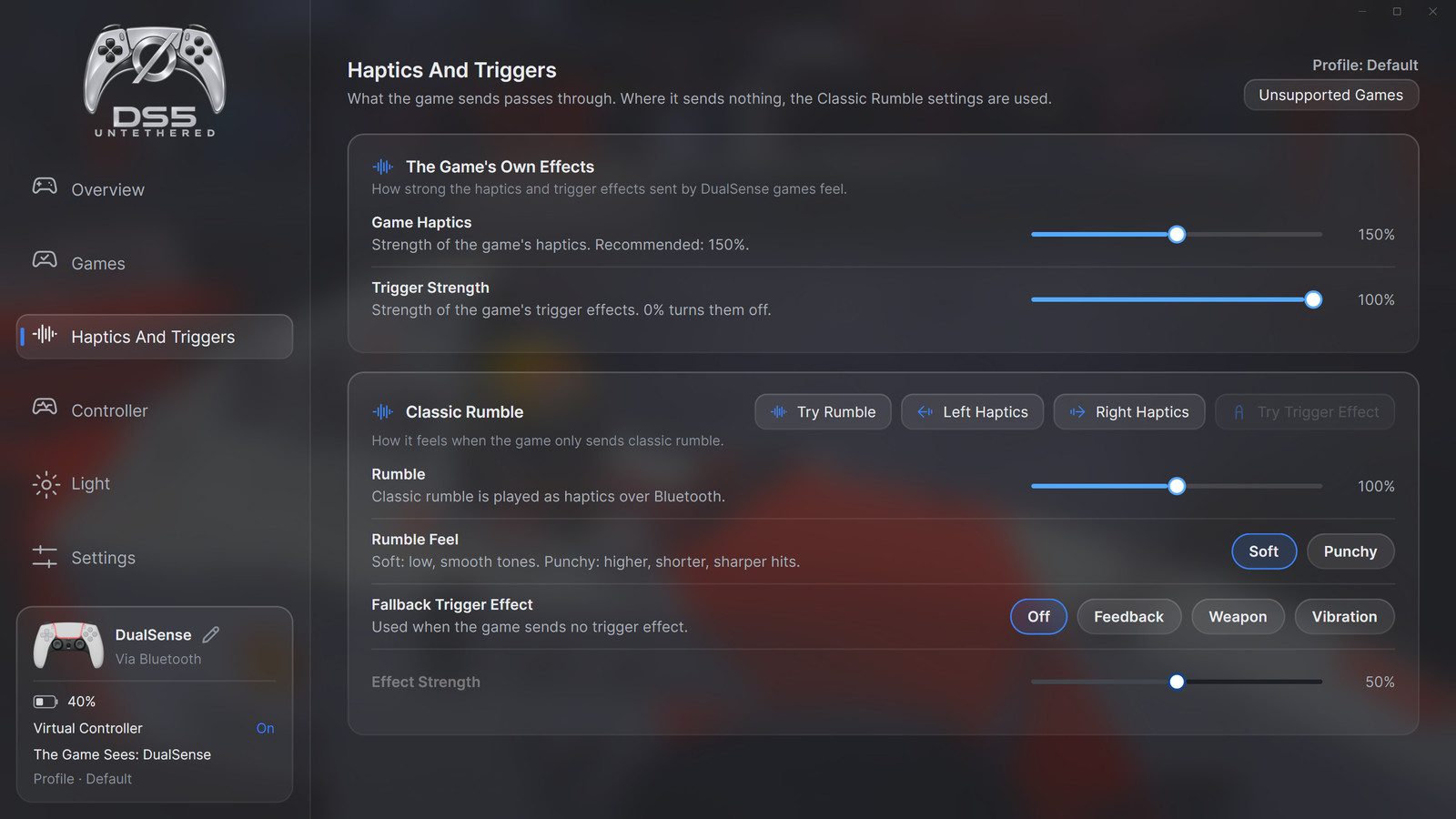
- Trigger and haptics strength
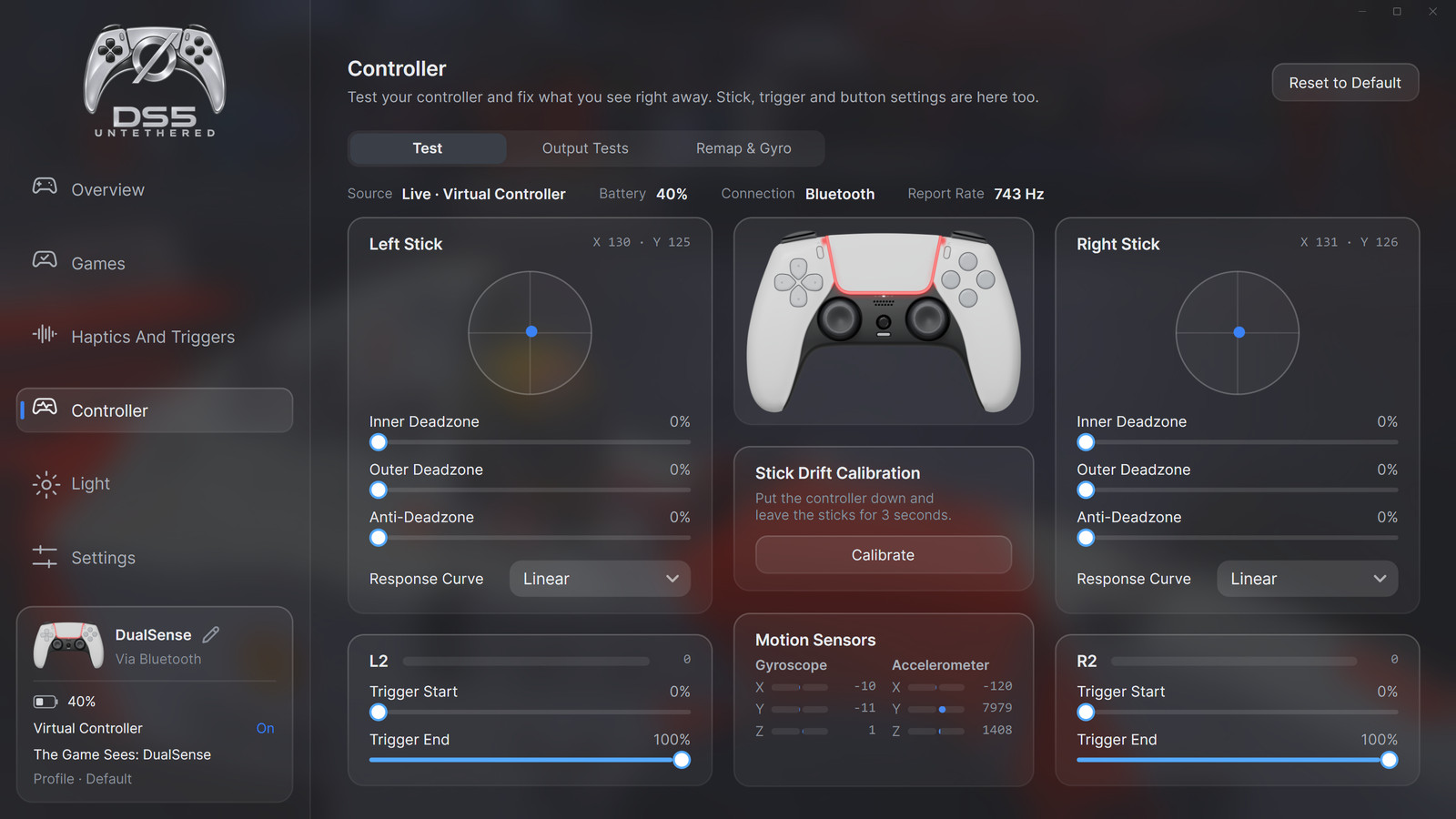
- Button remapping
- Gyro aim
- Mouse mode with a stick as the pointer, and its button mapping
- Light effects
- Games page: Supported, Xbox Trigger Rumble and Unsupported games found from Steam and Epic
- Hiding the real controller with HidHide
- Reconnection, battery warning, idle power-off
- Microphone button light and notifications, controller speaker in games
- Live link quality
- DualSense Edge, up to four controllers that are remembered and can be named
- Controller type per game: DualSense, DualShock 4, Xbox Series or Xbox 360; Automatic picks it for each game
Screenshots
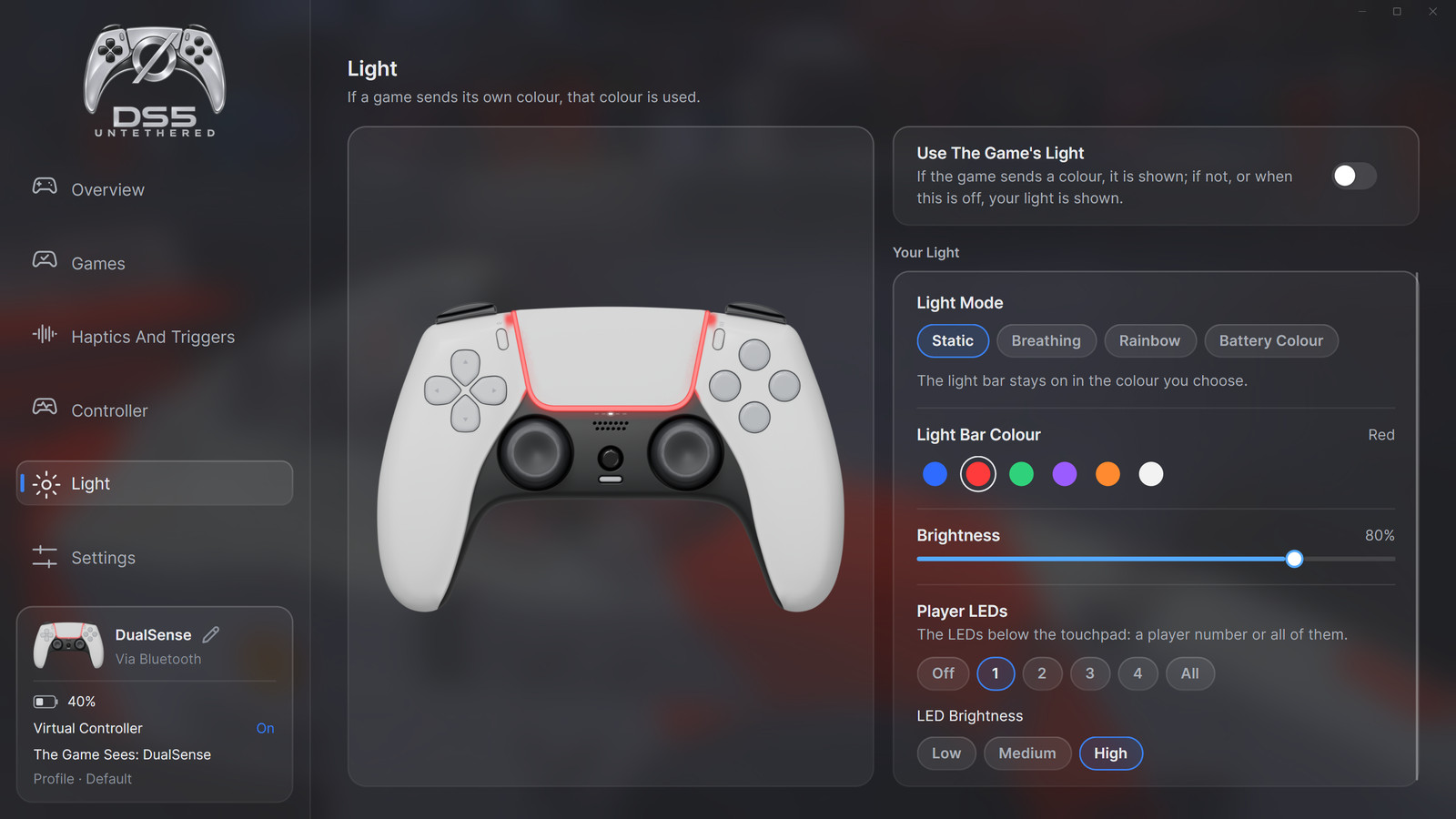
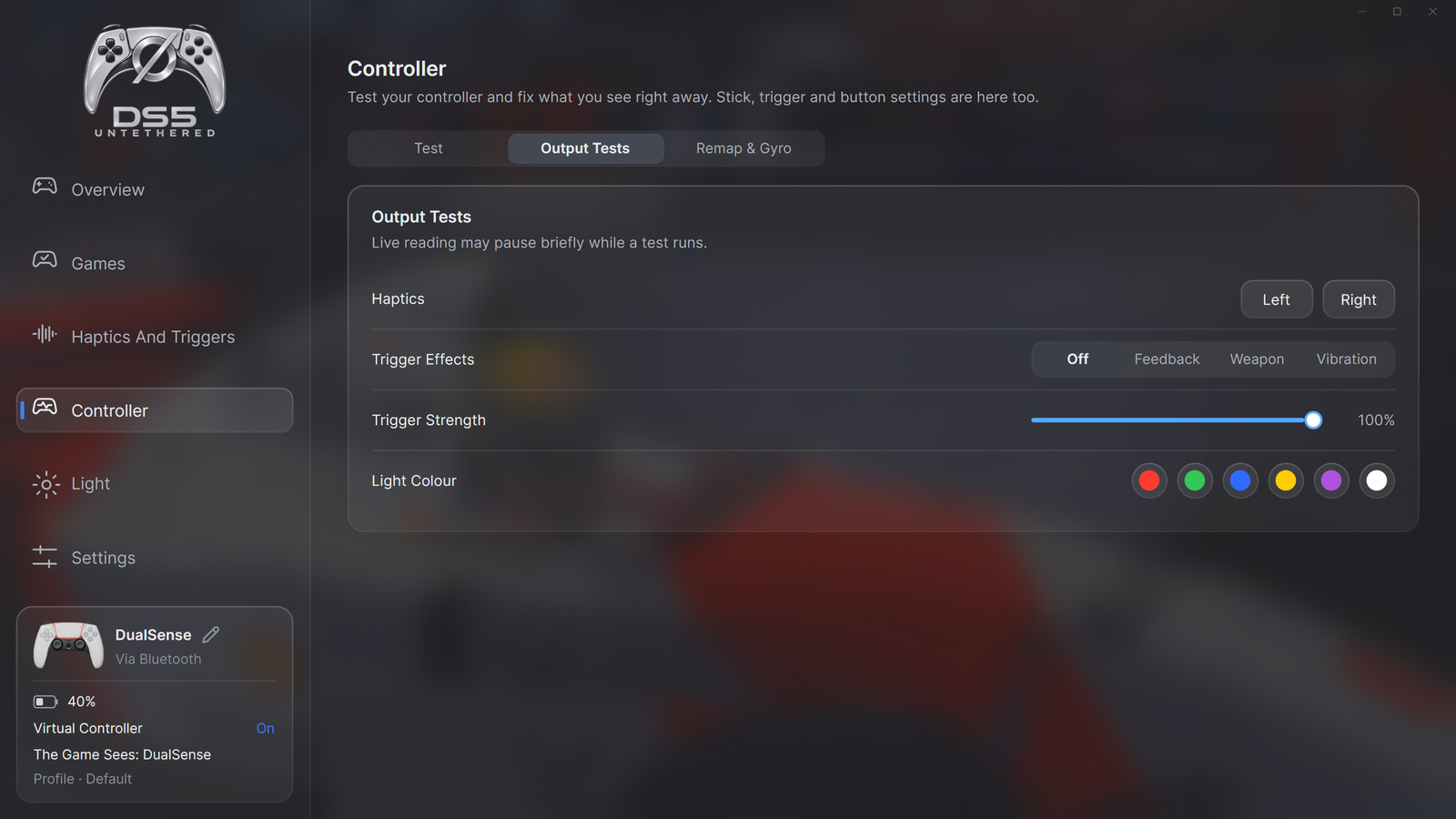
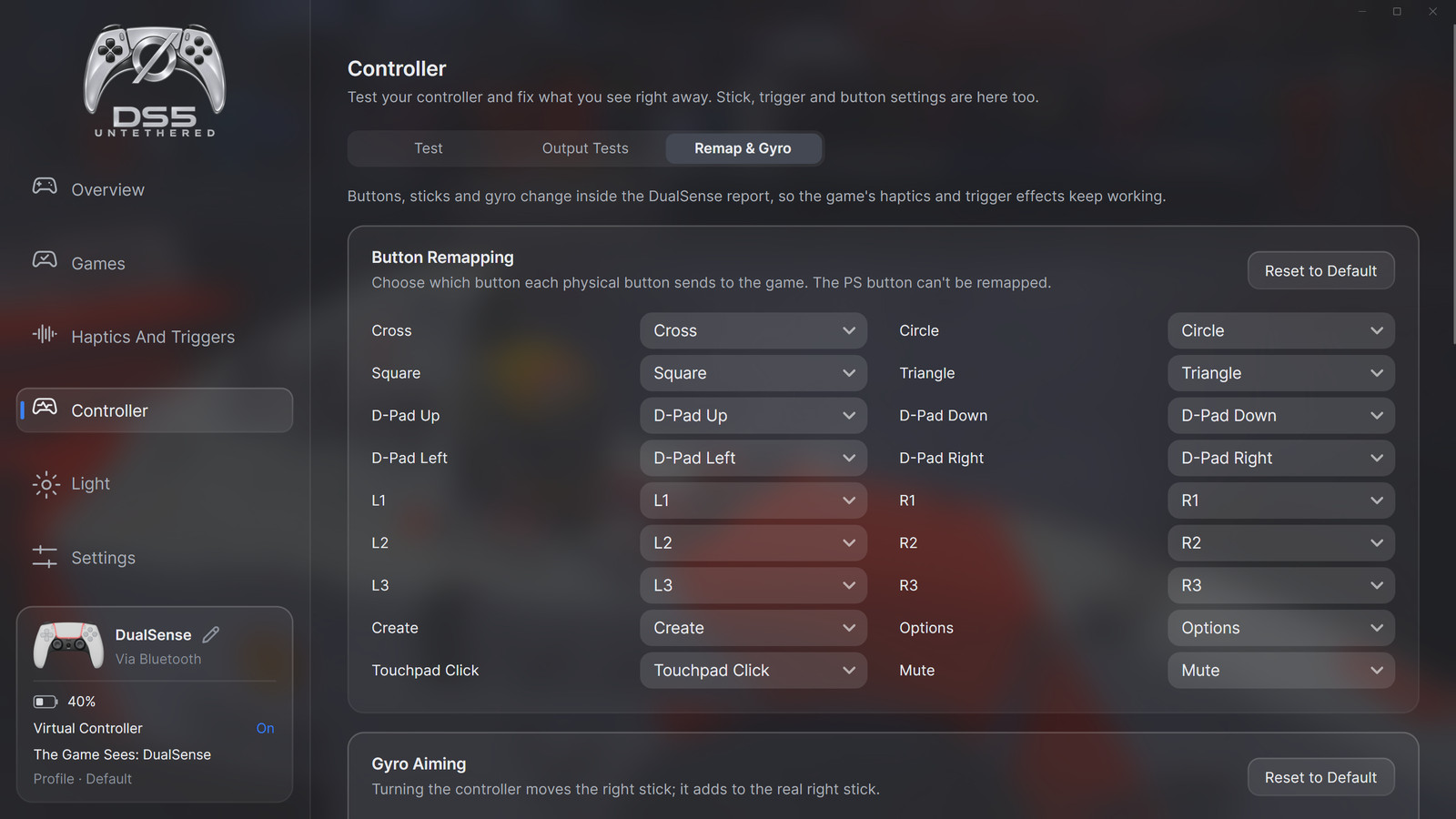
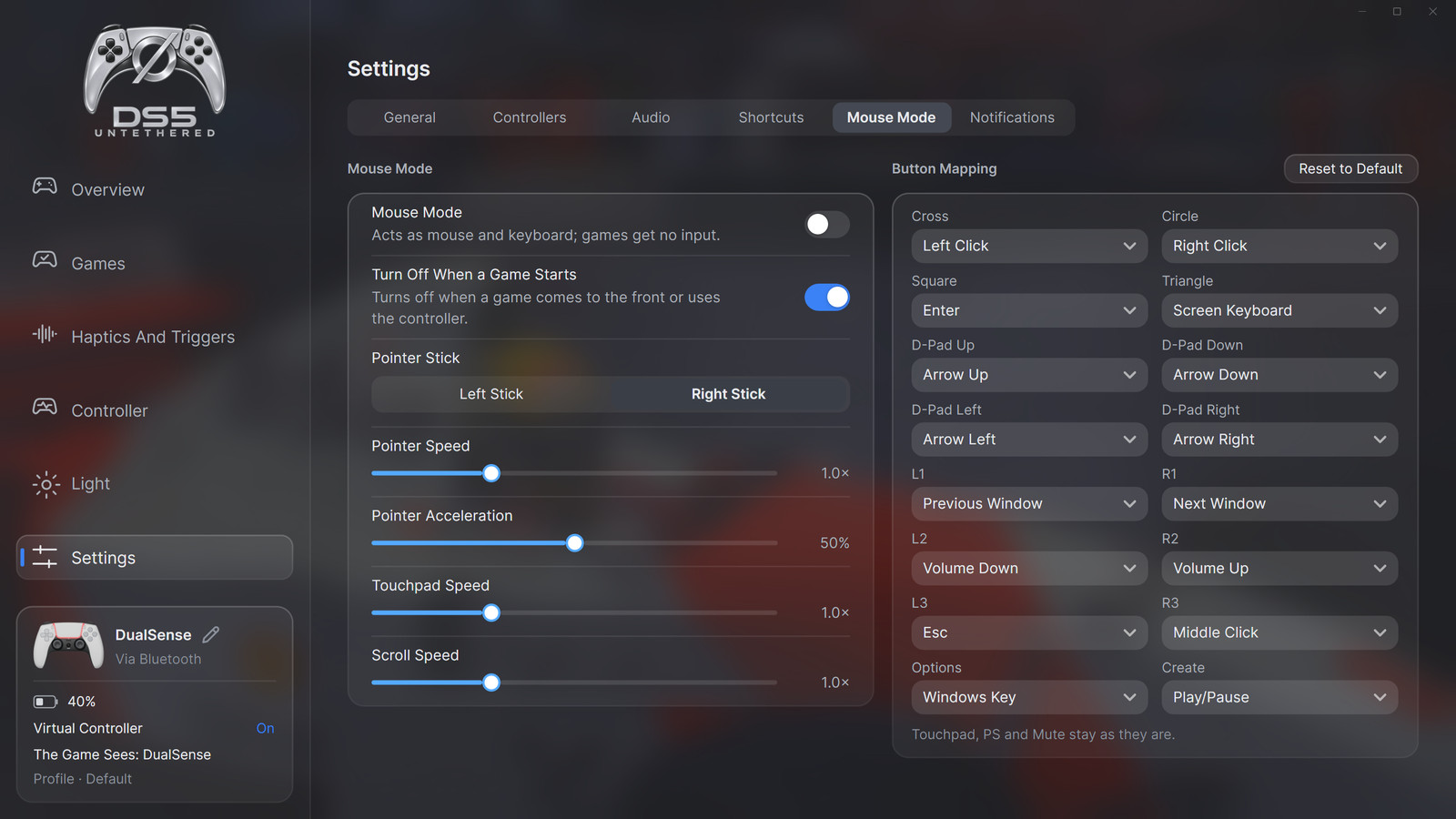
Download DS5 Untethered
DS5 Untethered is on the repository's Releases page as an installer and as a zip. Both include .NET; nothing else needs to be installed for the app itself.
- Download the installer (
DS5-Untethered-<version>-Setup.exe, per-user, no administrator rights) or the zip (DS5-Untethered-<version>-win-x64.zip, unzip anywhere and runKopru.App.exe). - The build is not signed, so Windows SmartScreen may warn: choose "More info", then "Run anyway".
- On start, the Setup page checks for the two drivers, usbip-win2 and HidHide, and opens their official download pages (their installers need administrator rights). Both drivers are required.
- The Setup page then guides Bluetooth pairing of the controller.
Requirements
- Windows 10 or 11
- A Bluetooth adapter, built-in or USB
- usbip-win2 and HidHide, both free
Questions
Do DualSense haptics and adaptive triggers work over Bluetooth on PC?
Not fully by themselves: games send the detailed haptics only to a controller connected with a cable, and most games send their trigger effects only then too. Over Bluetooth the haptics fall back to plain rumble. With DS5 Untethered running, games see a wired DualSense, and their haptics and trigger effects reach the controller over Bluetooth.
Some of my games already vibrate and use the triggers over Bluetooth. Why would I need this?
Some games send adaptive trigger effects and basic rumble over Bluetooth on their own. The detailed, audio-based haptics normally go only to a wired controller, so over Bluetooth you get plain rumble. DS5 Untethered makes the game see a wired controller, so you get the full haptics wirelessly, also in games that offer no DualSense features over Bluetooth.
Do I need a dongle or extra hardware?
No special hardware. The Bluetooth already in your PC or an ordinary USB Bluetooth adapter is enough. The Setup page tests the adapter.
Does it add input lag?
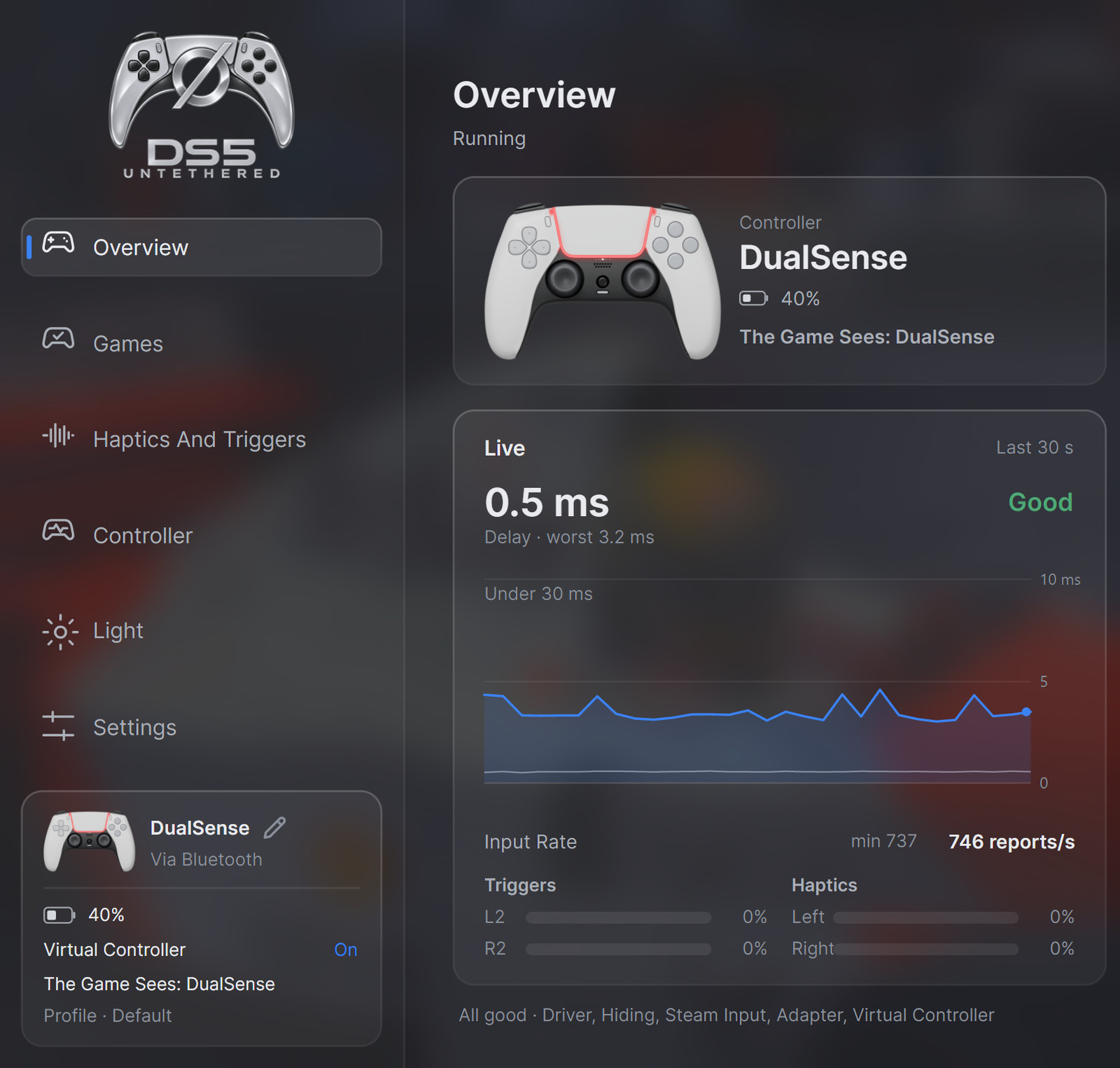
In a 60 second test with one controller and one adapter, input was relayed at about 750 Hz with low added latency and no loss. The Overview page shows the delay live, so you can check your own setup.
Which games does it work with?
Games that support the DualSense's haptics or adaptive triggers over a USB cable. Known ones are listed on the app's Games page, under Supported. Games without DualSense support can use the Xbox And DS4 Rumble settings or Turn Sound Into Haptics. Games that use Xbox trigger rumble, racing games especially, can play it on the DualSense triggers with the experimental Xbox Trigger Rumble setting (off by default).
Can I change settings without leaving the game?
Yes. In a game, a short PS press brings the app to the front with Mouse Mode on, so the touchpad works as the mouse. Back To Game brings the game back and turns Mouse Mode off.
Is it free?
Yes. DS5 Untethered is free and open source under GPL-3.0, and there is no paid version.